All help topicsMarket analysis 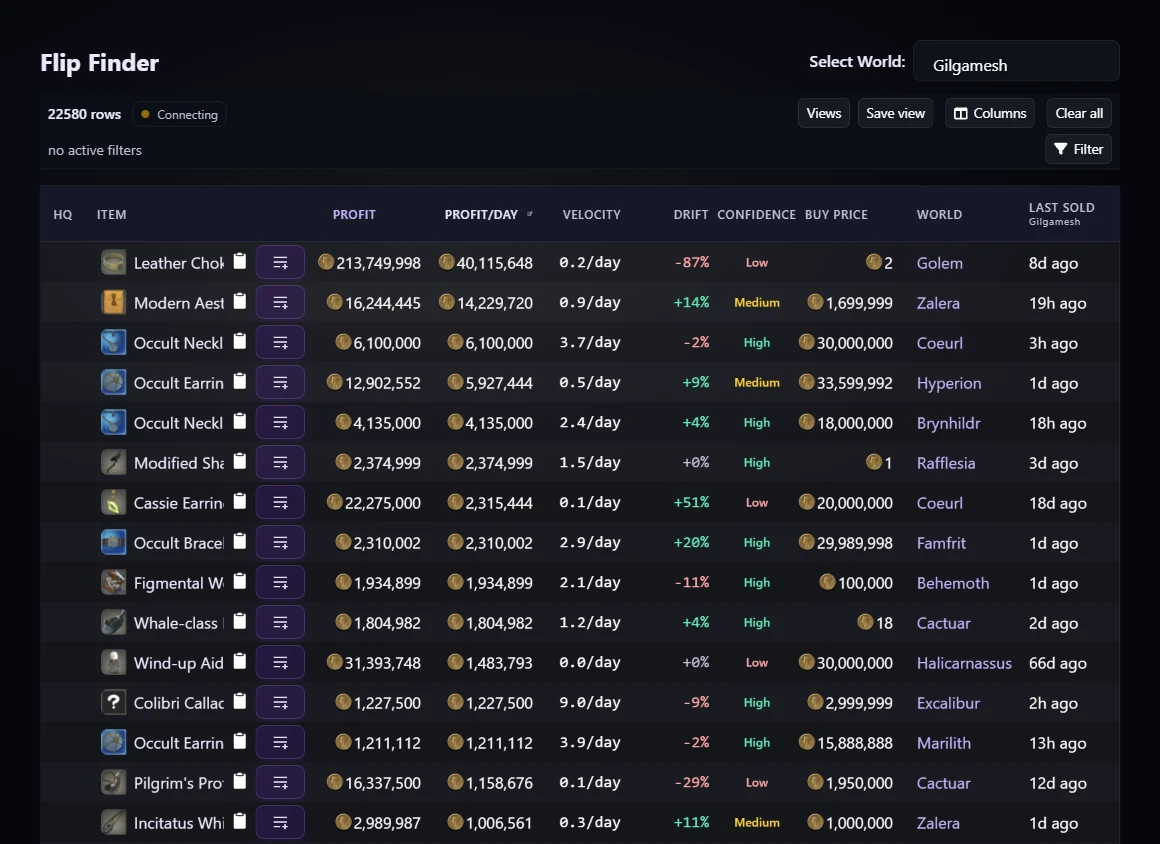
Flip Finder
Find items that may be profitable to buy on one world and sell on another.
Use this when you want buy-low/sell-high opportunities with sales velocity and ROI filters.
Inputs
- Selected sell world
- Recent sales
- Cheapest listings
- Connected regions setting
- Tax setting
Assumptions
- Profit subtracts the buy price from the estimated sell price.
- Tax is included when enabled.
- Outlier filtering removes unusual sales from averages.
How to read results
- Profit estimates the gil after buying and reselling.
- ROI shows profit relative to purchase cost.
- Average sale time and sales count indicate confidence.
Next actions
- Inspect the item page.
- Add candidates to a list.
- Tighten filters for sales speed or purchase budget.